Basic
$4.99 per bracket
Run a tournament on your PC with essential bracket-management features.
- Windows tournament command center
- Manual match and bracket control
- One Basic bracket credit
Tournament software that keeps moving
Bracket Manager can run an event from registration to final result with automated scoring, bracket updates, and text-message notifications—or put every decision in an operator's hands. Try it for FREE!
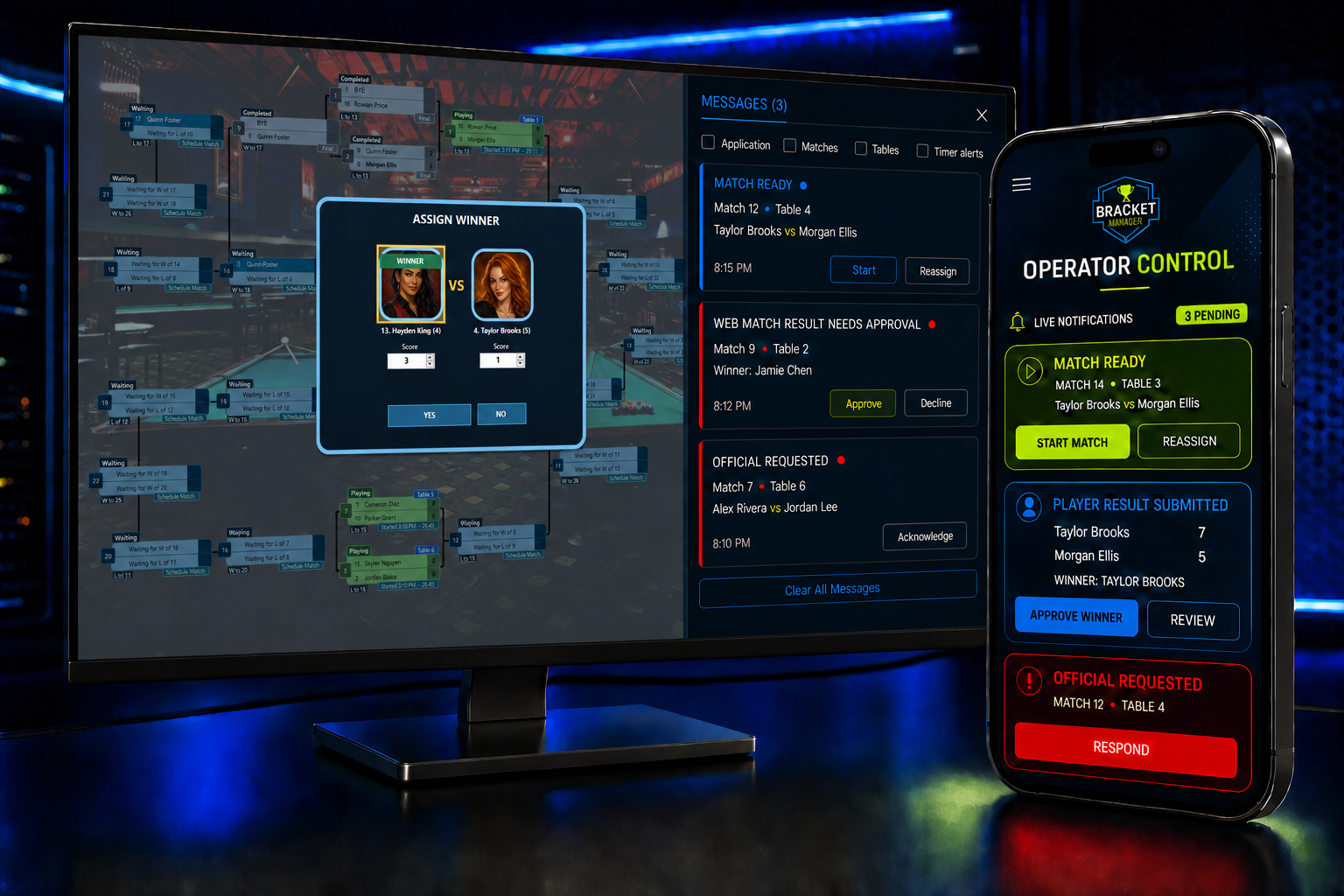
Three free tournament brackets
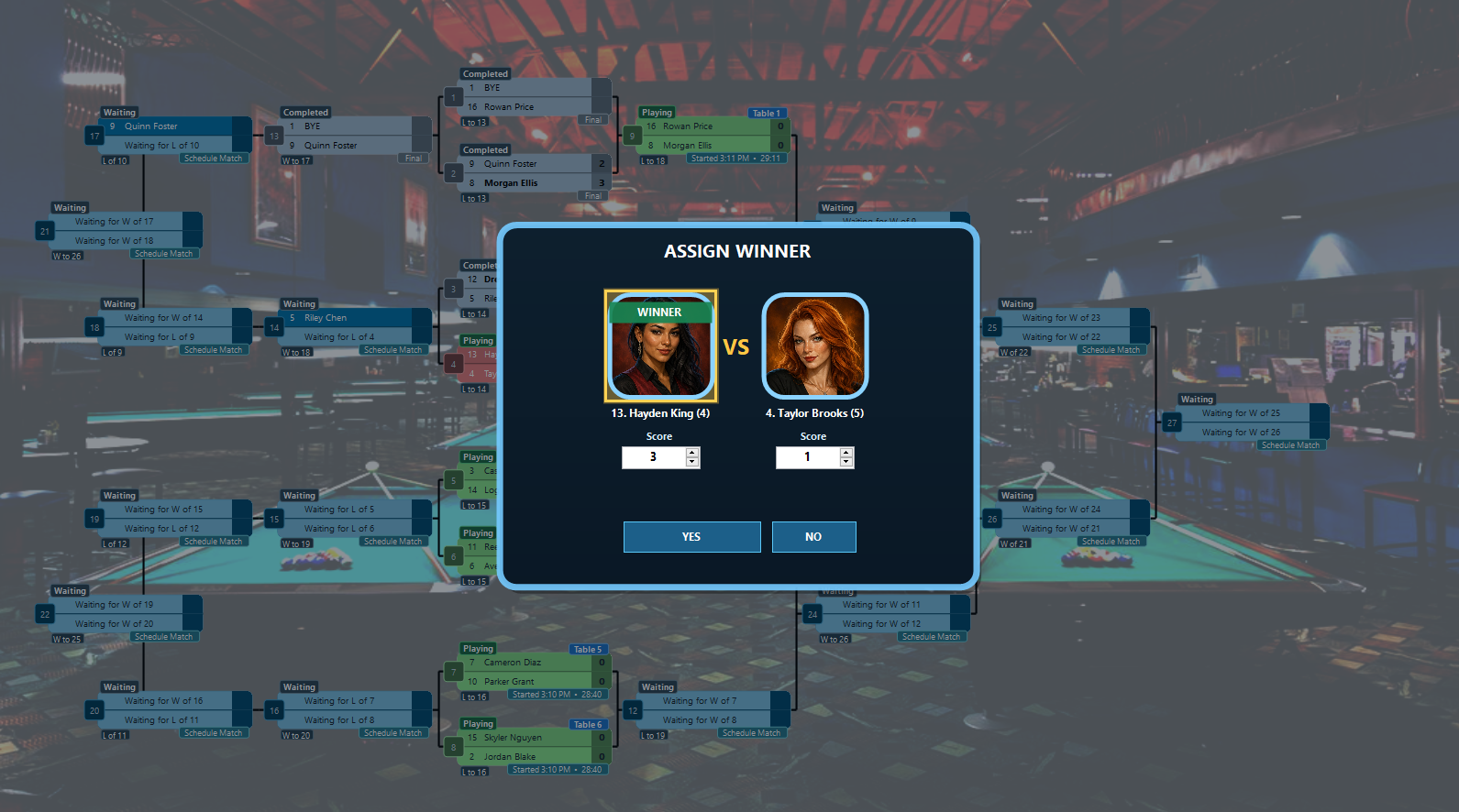
Bracket Manager includes three complimentary Basic brackets for eligible new Windows installations. Add players, choose a format, seed the field, record results, and complete each tournament from the desktop command center.
Your three complimentary brackets include local bracket setup and complete tournament operation. Connected features—including website publishing, online signup, remote player and operator controls, and text messaging—require a paid Pro bracket.
See formats and free featuresChoose your control level
Let one tournament run itself, manage several at the same time, or take the controls for every match. Bracket Manager gives organizers one command center for hands-off events and hands-on management.
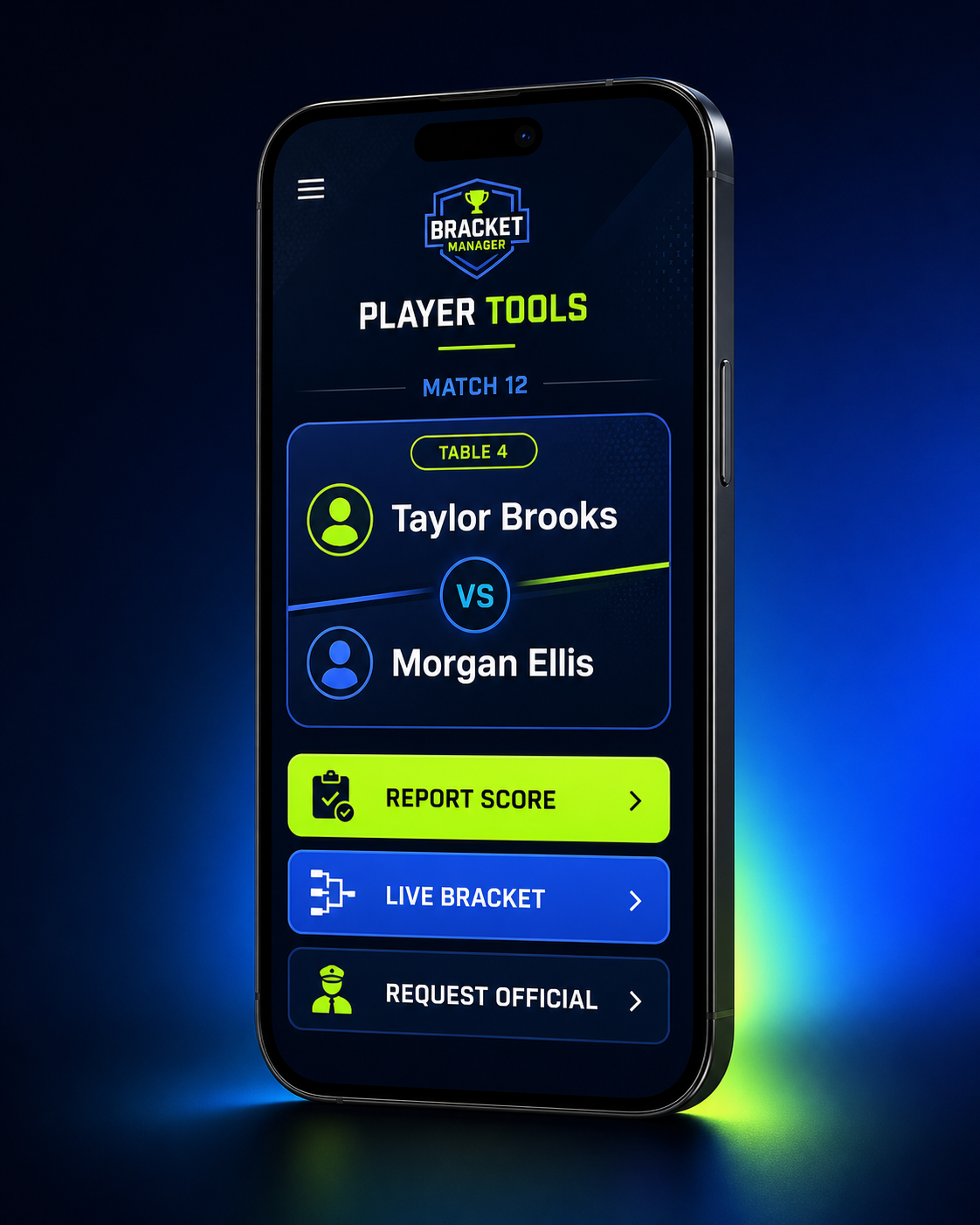
Every player gets the information needed for the next match and can finish the scoring workflow from a phone.
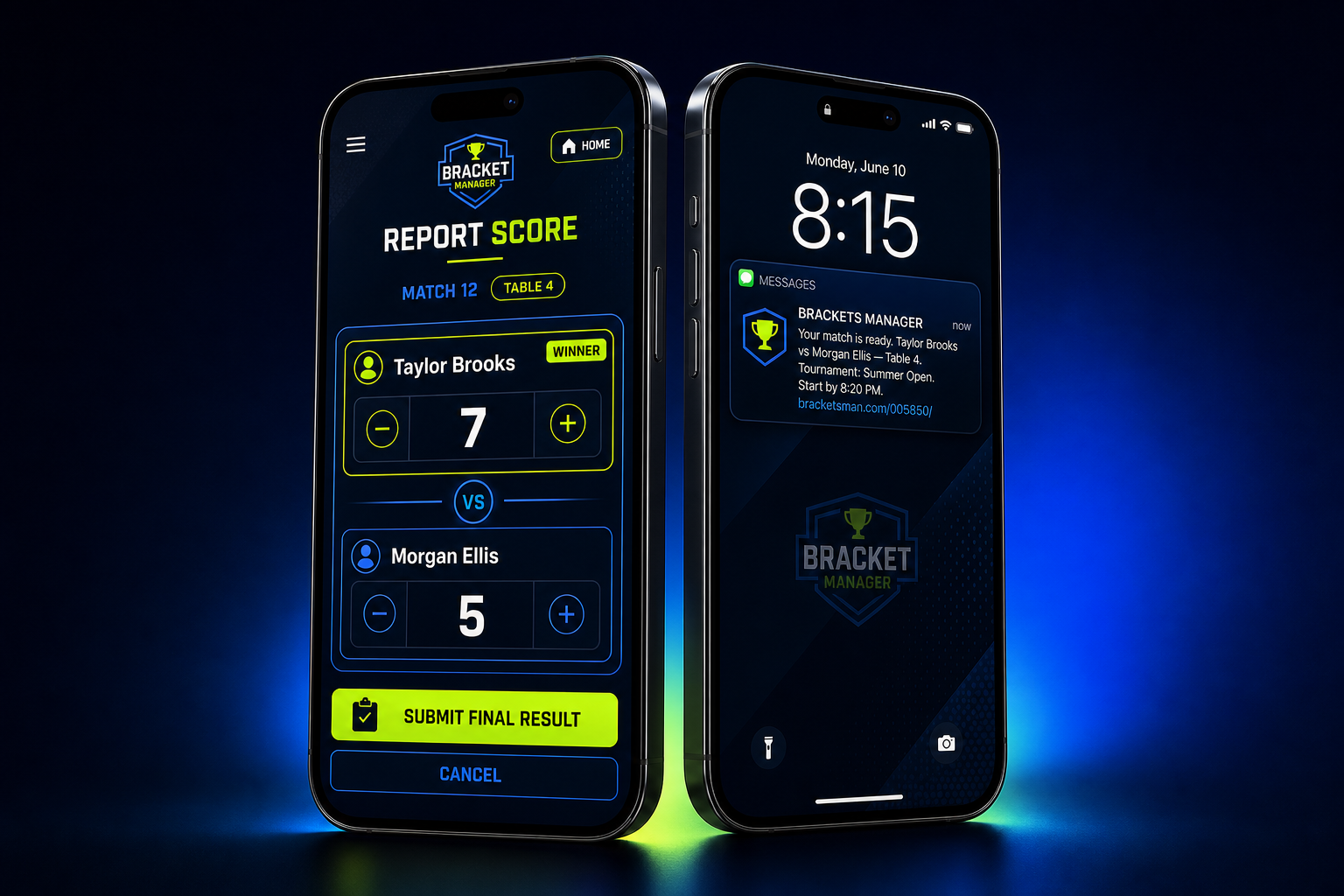
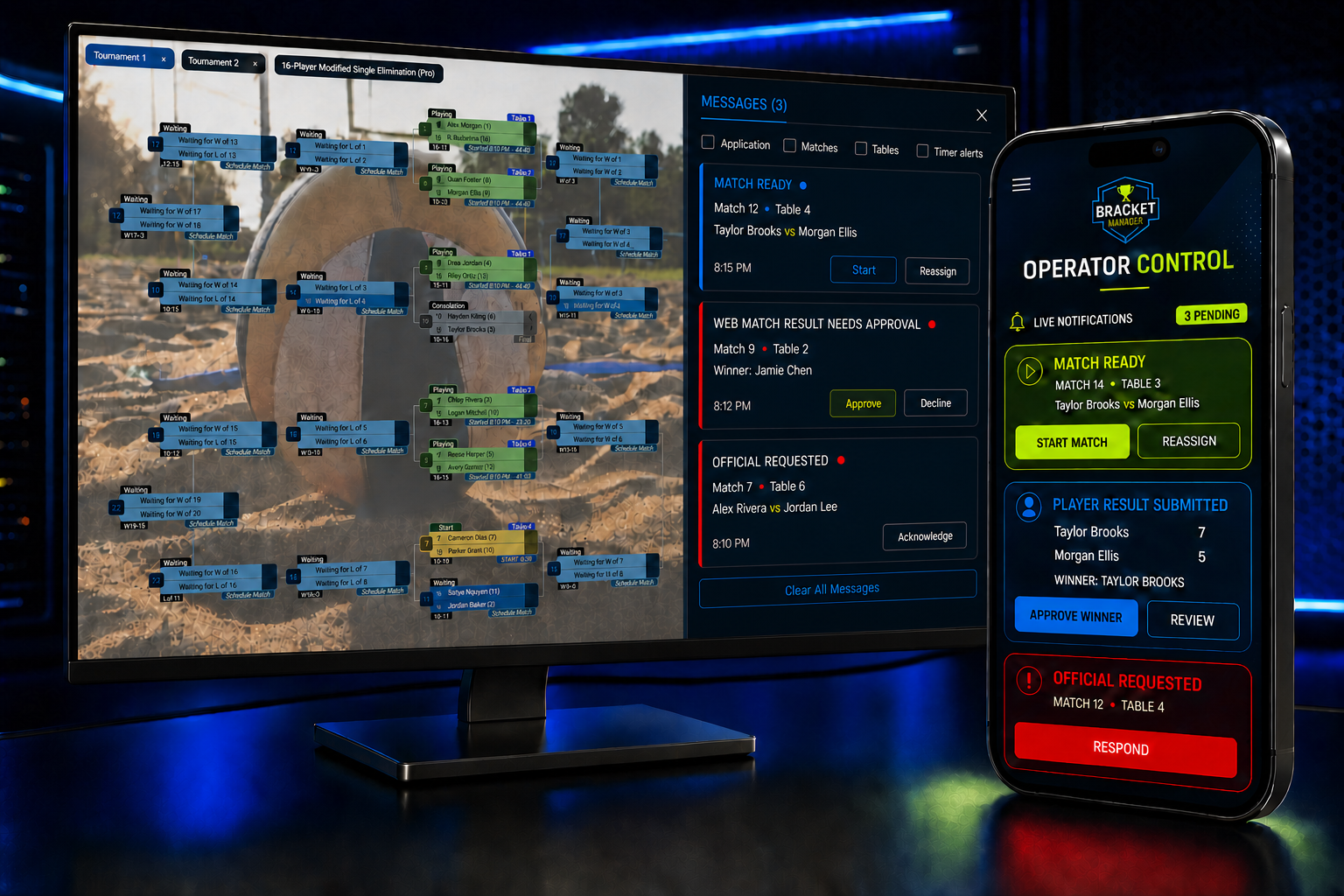
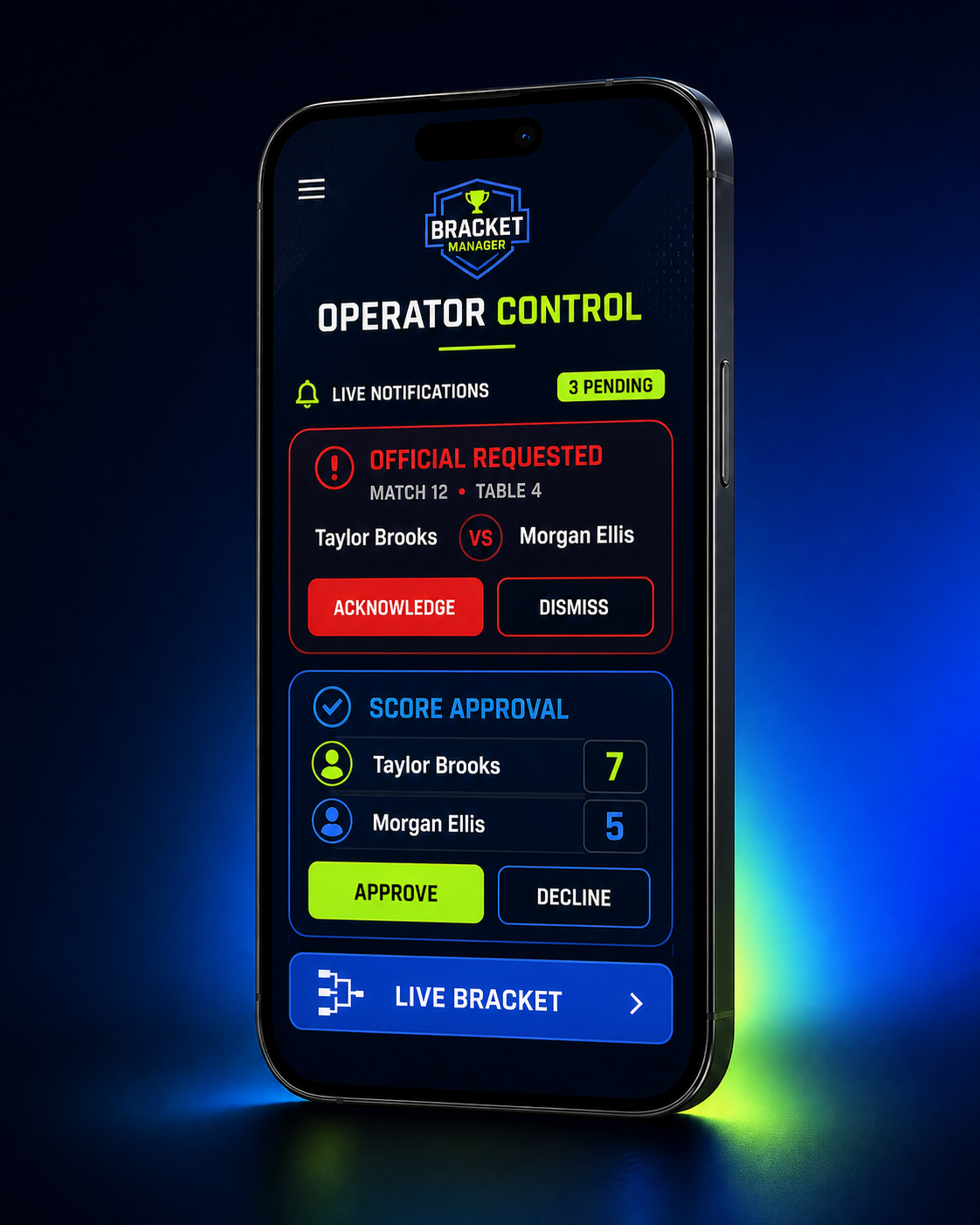
Operators get the information and controls they need to start matches, review submitted scores, respond to requests, and keep the tournament moving—from the Windows app or their phone.
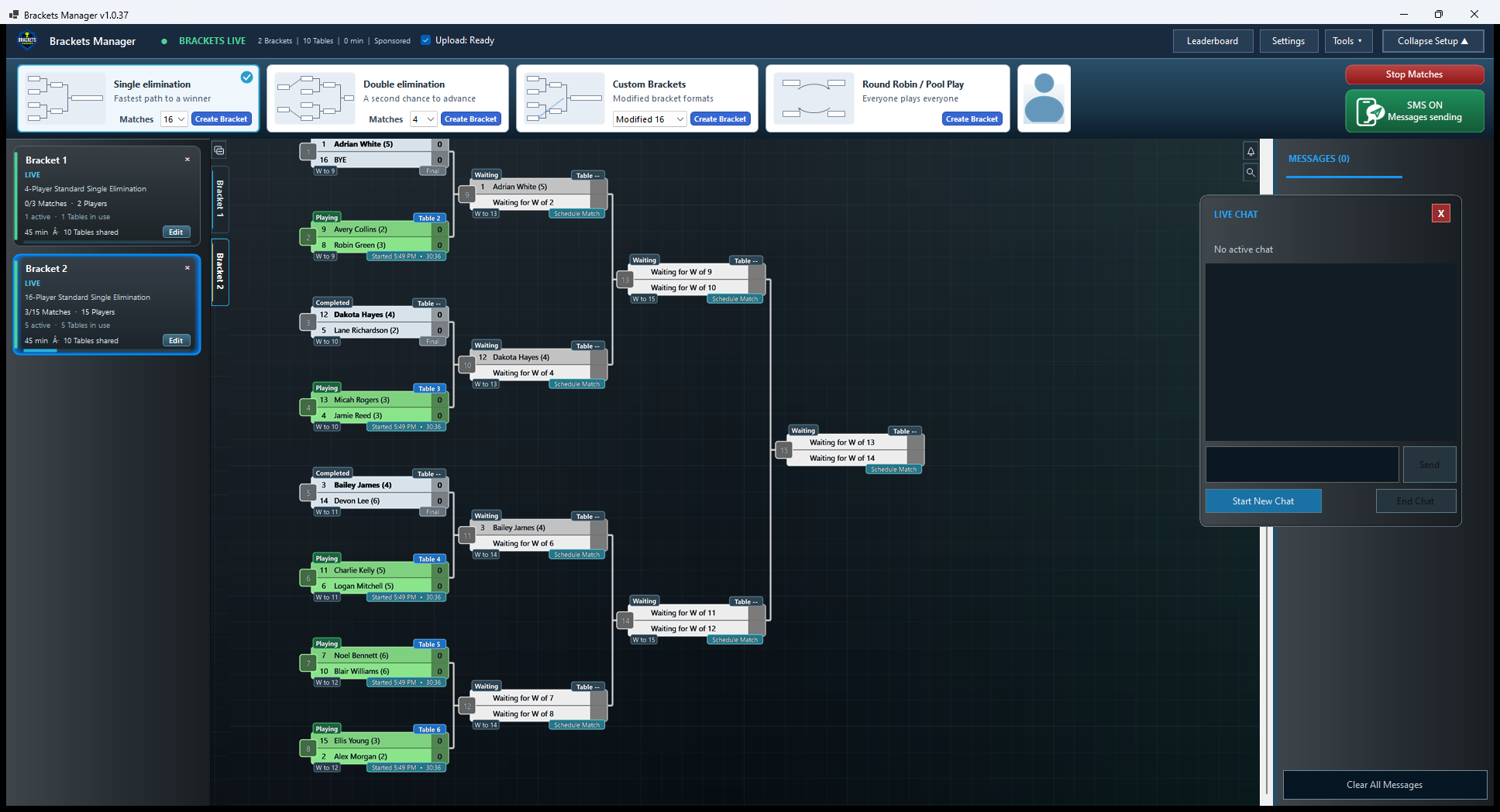
Help without leaving the action
Open a secure conversation from the tournament workspace and keep running the event while you talk with support. The chat stays with your Brackets Manager installation, so help is always close when timing matters.
Designed for the room
Run the command center on your primary display while a second monitor shows the live bracket. Change the background, status colors, and visual treatment to match the venue and improve visibility from across the room.
Built for players
Go to bracketsman.com/tournaments/, enter the six-digit tournament code, and select View Brackets. The compact Player Tools screen provides bracket tabs, Find My Match search, live brackets, recent results, and standings. Active matches use sport-specific courts, fields, tables, lanes, rings, boards, and courses while keeping player information consistently readable.
Built for operators
Go to bracketsman.com/tournaments/, enter the tournament code, and choose Sign Up. Then sign in with the operator email and password configured in Tournament Manager Settings. Operator web controls let staff monitor activity, respond to player requests, and protect every bracket without being tied to one screen.
No spreadsheet shuffle
Players register online, then their information arrives in the Windows app to help populate brackets with less configuration and retyping.
Learn how registration worksStandings at a glance
Give players and operators a quick view of performance without maintaining another spreadsheet. Rankings combine wins, losses, win percentage, points scored, and point differential.
| Rank | Player | W-L | Win % | Diff. |
|---|---|---|---|---|
| 1 | Alex Morgan | 12-3 | 80% | +42 |
| 2 | Riley Chen | 11-4 | 73% | +31 |
| 3 | Jordan Blake | 10-4 | 71% | +27 |
| 4 | Morgan Ellis | 9-5 | 64% | +18 |
Buy what each event needs
Run three complimentary Basic brackets first. After the free brackets are used, choose a Basic or Pro bracket credit when an event goes live and purchase additional credits securely inside Bracket Manager.
$4.99 per bracket
Run a tournament on your PC with essential bracket-management features.
$14.99 per bracket
Unlock every connected feature, with 400 text messages included.
Open Purchase Brackets, choose quantities, and complete secure Stripe checkout. Credits are added back to the app.
Built around your event
Tell us what would make your tournament experience even better. Most feature requests are reviewed and rolled out within 1–2 weeks.
Send a request to info@bracketsman.comOnline user's manual
Give new operators a clear path from first setup to a fully live tournament.
Browse the manual